A chatbot on a salon website can answer a question while the groomer has both hands occupied. Setting one up well is less about choosing a clever greeting than defining precisely what the bot may and may not do. An untrained assistant can turn a simple enquiry into a confusing chain of messages.
Treat setup as a small operational project. Write down the decisions a real receptionist would make, identify the information available to the bot, and test what happens when a client asks something outside that information.
Decide the bot's job before choosing a platform
A salon that only needs evening enquiry capture may not require a complex live calendar connector or payment flow. A chatbot can answer FAQs, qualify an enquiry, collect a booking request or complete a reservation through an integration; these are distinct levels of authority.
Paying for broad automation before defining one useful task makes troubleshooting and client expectations harder. Write one sentence describing the first job and make success measurable, such as a complete request ready for review the following morning.
Write a reliable knowledge base
Record each policy in plain language, nominate a person to update it and state explicitly which information the chatbot must never improvise. The assistant needs accurate opening hours, services, accepted dog sizes, service boundaries, contact options and written policies in one maintained source.
Two pages with conflicting cancellation rules can cause a bot to give different answers to clients asking the same question. Marketing copy about “gentle treatment” does not supply the detailed safety rules required for behavioural or medical questions.
Build the intake conversation carefully
Ask only for details needed to make the next decision, and permit a client to say they do not know or would rather discuss something privately. Use short questions for dog name, service, coat and behaviour notes, preferred day and contact method; save sensitive notes only when necessary.
Avoid making a consent checkbox double as permission for unrelated marketing or storing unneeded information. Someone booking a senior dog may mention mobility limitations and want to speak directly to the groomer rather than fill a generic form.
Connect availability only after testing it
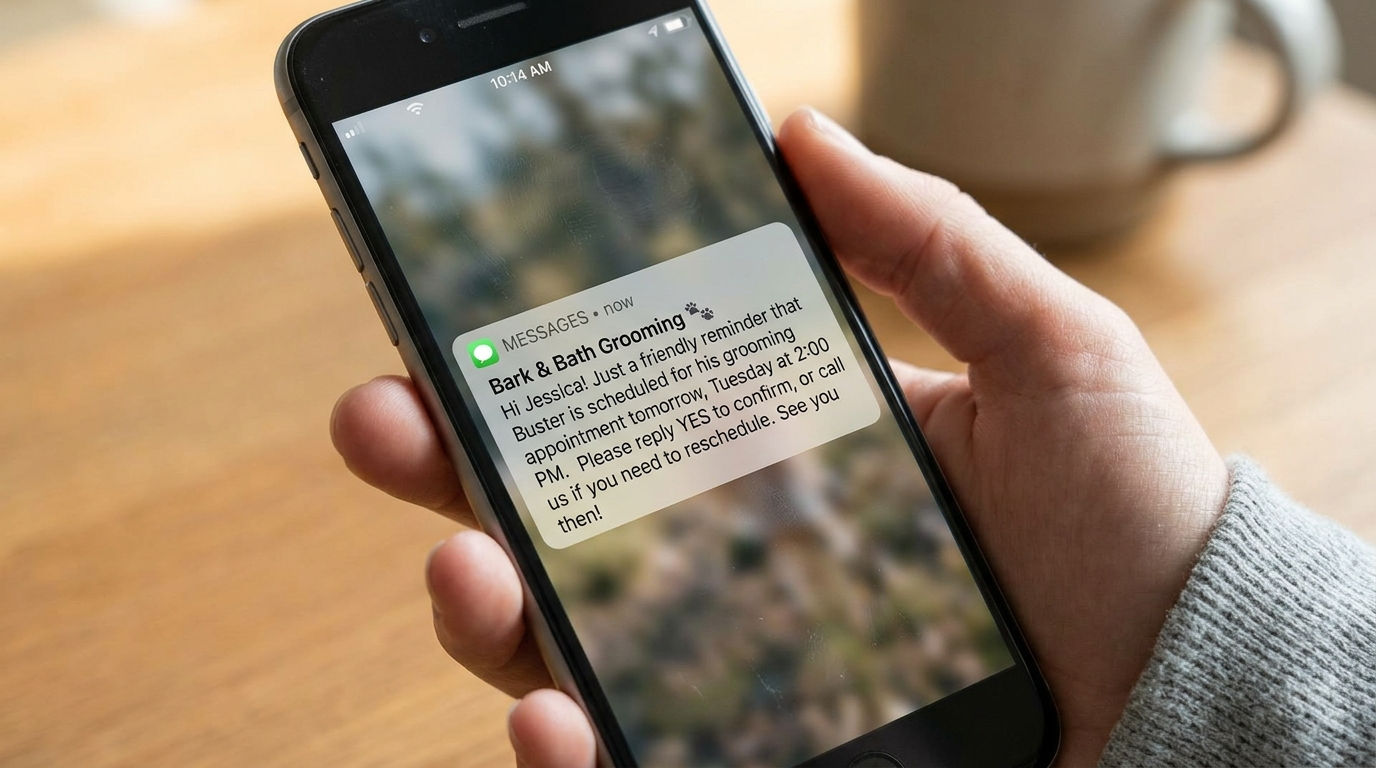
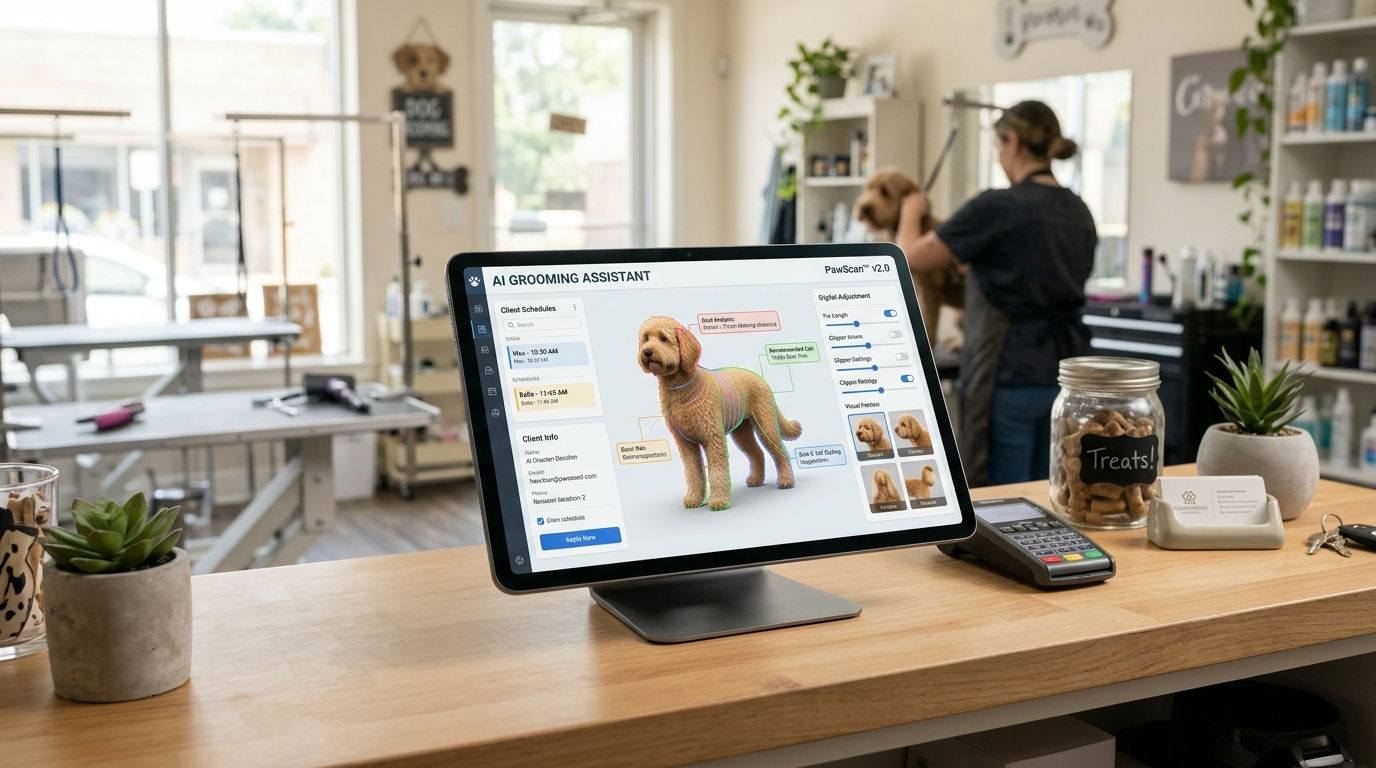
If the bot can book directly, it must read the same real-time calendar used by the groomer and respect blocked days, existing bookings and realistic durations. A chatbot that lacks a dependable integration should submit a request for confirmation, not present a simulated diary as availability.
A five-minute chat that reserves a two-hour appointment without the required service buffer can damage the rest of the day. Run test bookings across busy, empty, closed and conflicting slots, including the moment another client selects the same time.
The broader distinction between answering a question and committing a slot is explained in how booking assistants handle grooming enquiries.
Design clear safety and handoff rules
Have the assistant stop when the request needs an assessment, involves an upset client or exposes a limitation in its instructions. “My dog's skin is bleeding, can you still clip him tomorrow?” needs a human response and possibly veterinary advice, not an instant grooming reservation.
Add handoff triggers for severe matting, medical concerns, aggression, refund disputes, uncertain costs and any contradictory booking information. Do not instruct the system to reassure clients that a dog is safe to groom when it has no basis for that judgement.
Test with awkward real-world phrasing
Test “Friday after school, but not for the big dog, only her brother” to see whether the chatbot tracks which dog is being booked. Happy-path demonstrations are easy; deployment problems hide in typos, multiple pets, unanswered questions, long messages and abruptly changed plans.
A clean transcript does not prove that the correct service, dog or duration reached the calendar. Ask a colleague to try confusing enquiries and review both the visible reply and what the system actually stored.
Publish with honest expectations
Make the bot accessible on mobile, test keyboard navigation and ensure it never obscures emergency or ordinary contact information. Tell clients they are speaking to an automated assistant, explain what happens to their message and give them an alternative route to contact you.
A “message received, we will confirm the slot” response is more trustworthy than a vague success animation after a failed booking request. Some clients dislike chat interfaces; forcing everyone through one can increase rather than reduce admin.
Review and improve after launch
A weekly sample of failures gives more insight than counting the chatbot's total replies. Look at both client experience and your own corrections. Update the knowledge base first, retest the affected scenarios and monitor whether the change fixed the issue without breaking something else.
Avoid casually expanding to voice calling or payment collection until the basic chat workflow has demonstrated reliable behaviour. If the bot repeatedly asks whether a nail trim includes a bath, its service descriptions may be too ambiguous.
Prepare a small, controlled source of truth
Before opening a chatbot builder, collect the decisions that are currently scattered across social posts, old messages and the groomer's memory. Start with the live service menu, approximate durations, opening days, booking lead times and cancellation rules. Separate firm facts from judgement calls. For example, “nail trims are offered by arrangement” may be a fact, whereas “this reactive dog can have a nail trim in fifteen minutes” is a case-specific decision. Keep the source document short enough to maintain. If prices or hours change, one responsible person should update the canonical information instead of editing the same answer in several places.
A chatbot test often fails because the business gives it a pretty website but no operational instructions. Explain which booking channels are authoritative, what “available” means, which appointments need approval and what happens when the diary cannot be reached. If the tool can read but not write to a calendar, say so plainly in its rules and its customer-facing copy. Never rely on a vague instruction such as “be helpful and book appointments” to enforce the distinction. Useful permission settings and explicit prohibitions are stronger than stylistic prompts.
Design the conversation around real client behaviour
Write several complete sample conversations rather than testing isolated questions. In one, a regular customer asks for the same service as last time. In another, a first-time owner omits the dog's size and asks for a price. In a third, someone asks for two dogs, changes the preferred day and mentions a medical issue late in the exchange. Watch how often the chatbot repeats a question, whether it recognises a change, and whether it makes an unsupported promise. A client should not have to know your database fields to obtain an appointment.
Keep the number of questions proportionate to the decision. Ask for the service first, then gather the details that actually affect duration and suitability. Explain why a sensitive question matters when it is necessary: “Please let us know about anything that may affect your dog's comfort during grooming.” Offer a human route for anyone who does not want to put detailed information into a chatbot. A good conversation leaves room for uncertainty, particularly where photos, coat condition or behaviour need professional assessment.
Connect the diary only after the messages are reliable
When the chatbot has demonstrated reliable answers, test the calendar in a non-public environment or with clearly labelled dummy appointments. Try a cancelled slot, a blocked lunch period, a service that needs extra cleanup time, and two simultaneous requests for the final opening. Confirm that the booking system rejects invalid overlaps rather than trusting the model to remember a slot. Make a note of what happens when a write succeeds but the confirmation message fails. The system must be able to reconcile those two states without creating a second appointment.
Decide how deposits will work before enabling checkout links. The bot can explain the rule, but payment should happen through a trusted provider that sends an authoritative success or failure status. Never ask someone to type card details into a conversational message. The confirmation should name the service, location, time and any remaining condition without implying that a payment is complete until the payment system confirms it. This is also the point to review what client information is saved, who can access it and when it should be removed.
Put maintenance on the calendar
A chatbot is not a one-off website widget. Somebody needs to review incorrect answers, retire outdated service names and check the handoff queue. A short weekly sample of conversations is more useful than waiting for a public complaint. Record the exact failure, the policy or instruction that caused it, and the change made. Then rerun the conversation that exposed the problem. If the same uncertainty arises regularly, consider changing the booking workflow instead of adding ever more instructions. Small salons benefit from tools that remain understandable when the owner is tired or away.
Pilot a chatbot against the actual diary
- List approved services, typical time blocks, cancellation terms and situations that need staff review.
- Test a simultaneous enquiry from two devices to see whether the same remaining slot can be promised twice.
- Start with question-answering and draft requests before allowing the bot to create confirmed bookings.
Official background reading for Setting Up an AI Chatbot for Dog Grooming Bookings
Launch one reliable workflow before adding another
A useful booking chatbot is the product of accurate service information, realistic calendar rules and careful fallback behaviour. Keep its first job small, treat a successful test conversation as evidence rather than proof, and make the handoff easy for both client and groomer.