An appointment reminder is a small promise that the salon is organised and the client has the information they need. Automation can send it consistently, but a poorly written sequence can feel impersonal or become a source of confusion when details change.
Start with what the client needs to know, then choose a tone that suits the business. The best reminder is often shorter than the message the owner might have written manually.
Write for the person reading on a phone
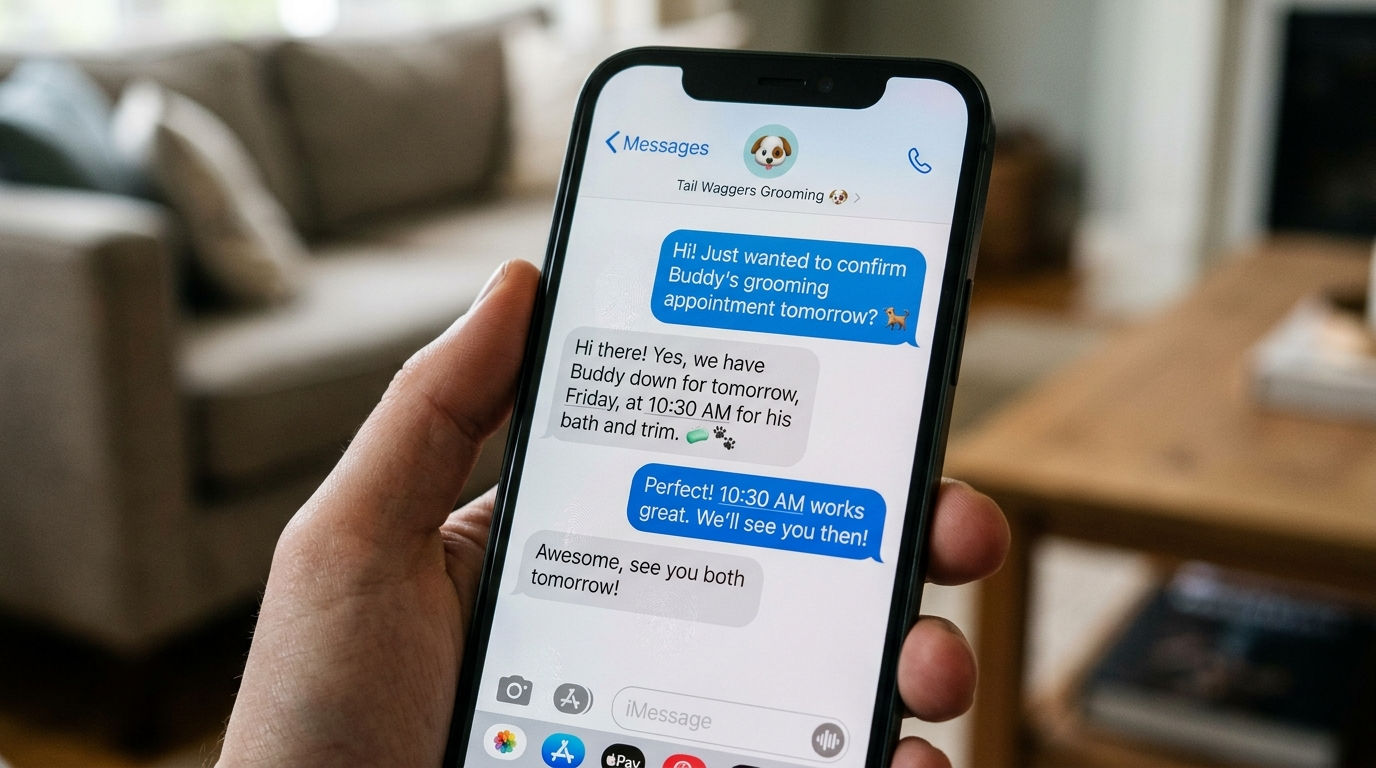
“Pawsome news! Your furry friend's pamper adventure awaits” is less useful than “Milo's groom is booked for Thursday at 10:30.” A reminder should reveal the appointment date, time and essential detail without requiring clients to open several messages or decipher vague wording.
Decorative language should never replace the address, arrival instructions or way to correct a mistake. Put the practical facts first, use the dog's name only when the record is accurate and make the next action easy to recognise.
Match the tone to your actual salon
Review messages you already send successfully and preserve their level of warmth, vocabulary and typical sentence length. A relaxed local groomer and a formal multi-site business can both be clear without using identical scripts.
A familiar client expects a short friendly text, not a corporate email with a lengthy disclaimer and several exclamation marks. Forced jokes, excessive emojis and invented personal familiarity can make important notices feel trivial.
Distinguish operational reminders from marketing
A message about an existing appointment serves a different purpose from an offer to book another service or buy a product. Keep appointment messages focused and manage separate permission choices for marketing where required by law.
A phone number given to receive booking updates is not an unrestricted permission to send advertising. A confirmation text includes a promotional discount that the client never asked to receive.
Choose a simple cadence
Too many messages create alert fatigue, while messages sent too late may not help clients change arrangements or remember the visit. Frequency should reflect actual attendance patterns and the salon's cancellation policy, not the software's maximum automation allowance.
A client receives a booking confirmation, three reminders and a same-day “just checking” text for a straightforward routine appointment. Begin with one confirmation and one well-timed reminder, then review missed visits before adding more steps.
The practical question of when to send each message is explored in timing grooming text reminders.
Include a useful response path
A reminder that cannot be acted on may prevent neither a missed appointment nor a late arrival. The owner notices the booked date conflicts with a work meeting but the SMS is sent from a no-reply number.
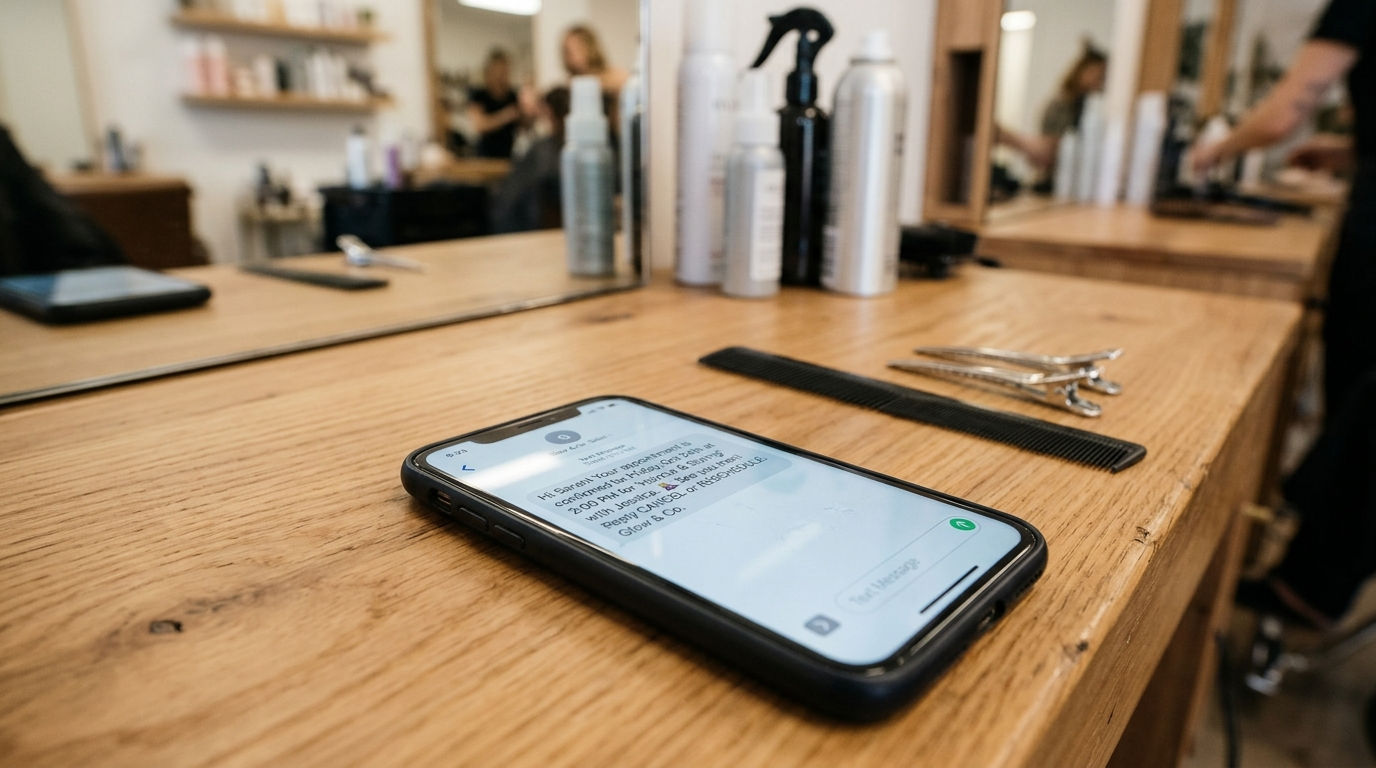
Offer a working reschedule route or a clear contact method, and explain cut-off times where applicable. Inviting clients to reply “change” is misleading if nobody or no system actually monitors incoming responses.
Handle changes without sending stale notices
A client moves a visit from Monday to Wednesday, then receives Monday's automatic reminder on Sunday evening. Moving or cancelling an appointment should also update the messages waiting to be sent, especially when several systems are connected.
A changed appointment with two active reminders can create avoidable no-shows despite an otherwise functioning diary. Link scheduled reminders to the current booking state and test that cancellations and reschedules suppress obsolete messages.
Be careful with sensitive circumstances
Route unusual concerns to a person and keep high-stakes or welfare-related communication factual and considerate. Not every dog or owner is having a cheerful day; automated messages must leave space for real conversations.
A client reports illness or distress and then receives an upbeat message encouraging them to add extra treatments. Tone detection is imperfect; do not depend only on an AI classifier to suppress an inappropriate joke or offer.
Assess whether the messages work
Open-rate metrics are less useful than clear confirmations, fewer misunderstandings and less manual chasing. Check a sample of client replies, appointment corrections and missed visits, then revise wording where confusion recurs.
More automated activity is not evidence of better service if the messages increase follow-up work. The salon reports a perfect text-send rate, yet owners keep arriving at the wrong entrance or misunderstand collection times.
Start with information the owner can act on
A reminder is useful when it answers an immediate question: when is the appointment, where should the dog arrive, and what should the owner do if plans have changed? A message that says only “we look forward to seeing you” may be warm but still forces the client to search for details. For a standard salon visit, include the date, local time, dog name and a clear way to contact the groomer. Add preparation instructions only where they are genuinely relevant. A long block of policy text repeated on every reminder is more likely to be ignored than a concise, timely message.
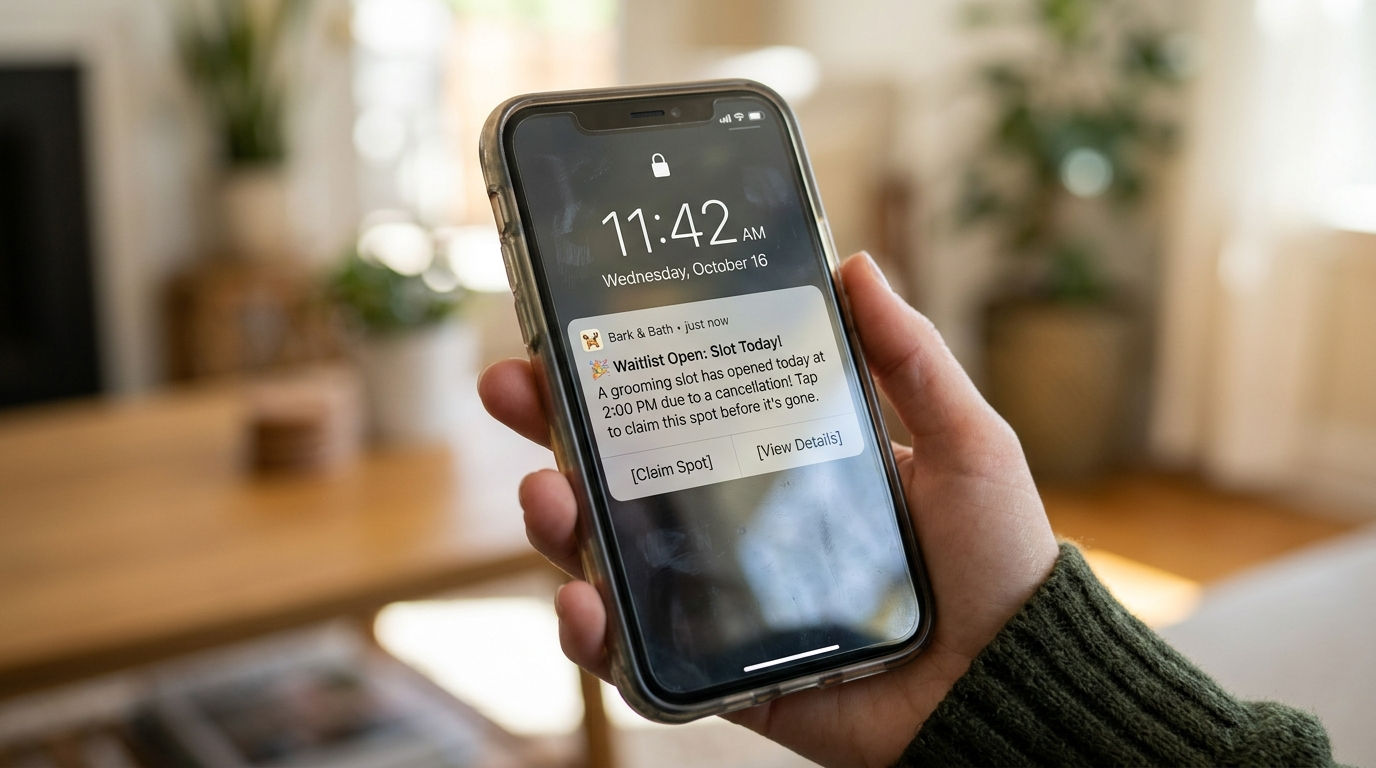
Personalisation should be modest and reliable. Correctly using the dog's name can be reassuring; inventing affectionate nicknames or assuming every dog loves grooming can sound insincere. The software should draw from current records, not guess personality from breed or use old information without checking. If a pet has a sensitive handling note, there may be good reasons to avoid displaying that detail in a lock-screen notification. Operational warmth comes from clear, thoughtful language, not from exposing private information.
Choose timing that suits the actual workflow
The purpose of an advance reminder may be to give the owner time to rearrange travel or cancel under the published policy. A message close to the appointment may simply reduce confusion about arrival. Those are distinct purposes and do not necessarily require a long sequence. Decide the minimum cadence that helps your clients, then review whether multiple messages are creating replies or irritation. Do not use the same timing for a one-off first visit, a recurring appointment and a very short-notice booking without checking that it makes sense.
If a customer has already confirmed, cancelled or moved the visit, later reminders must reflect the updated state. A frequent failure is an old queued message arriving after a reschedule. The client then sees two dates and needs to ask which is correct. Test how the software cancels scheduled notifications when a calendar event changes. Avoid saying “your booking is confirmed” if the appointment still needs a deposit or approval from the groomer.
Make replies part of the design
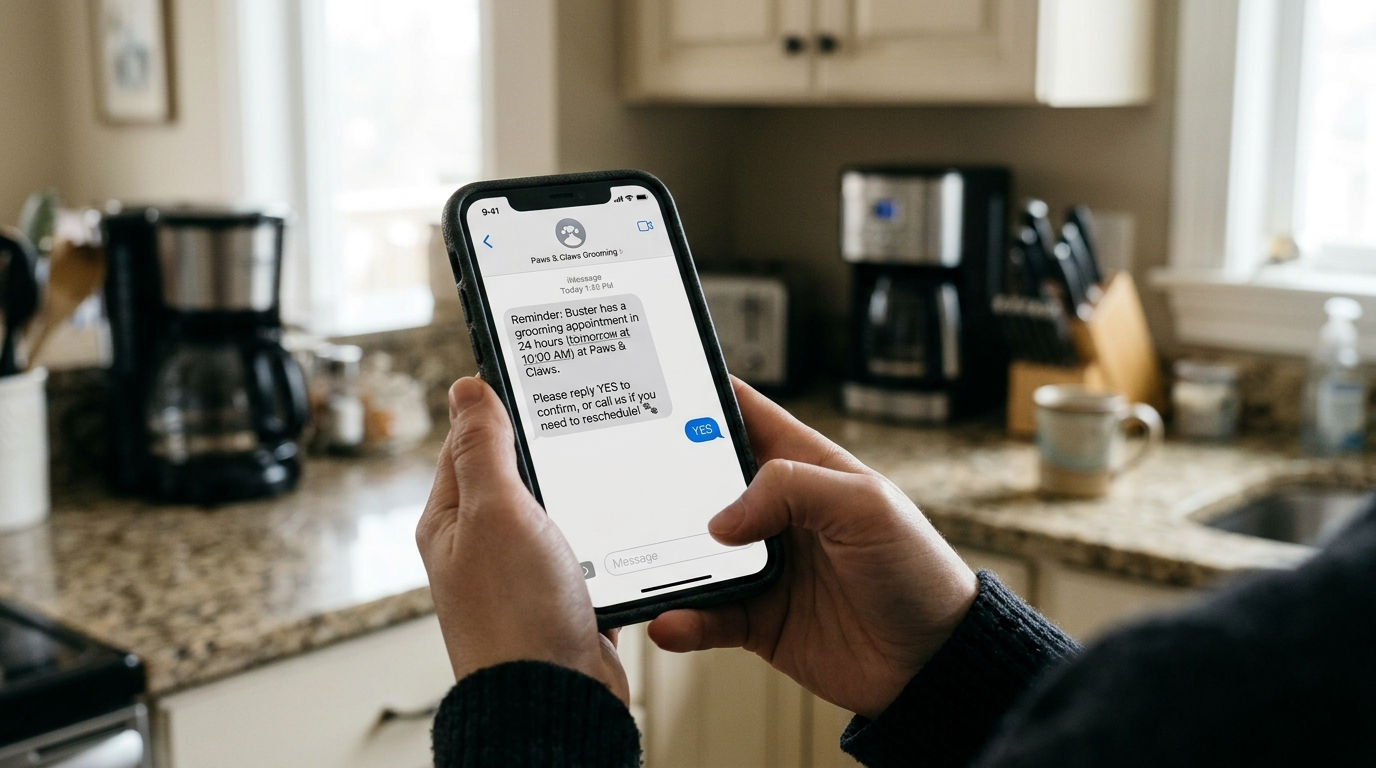
A reminder that invites “reply YES” creates a real operational responsibility. Decide who sees the response, whether it changes booking status and what happens if the reply arrives outside working hours. Do not send an instruction that nobody monitors. A client replying “can't make it” may be requesting a change, not authorising a cancellation fee or releasing the slot immediately. The assistant should clarify the outcome, apply the actual rules and escalate ambiguous cases.
Provide a plain alternative for clients who cannot respond by text or prefer speaking to a person. A link to the salon's contact page or a monitored email address is often enough. Keep confirmation methods consistent across text and email so the business does not end up with competing versions of the same appointment.
Review the human effect, not just delivery statistics
Delivery reports may show that messages reached a phone, but cannot prove the owner understood them. Check missed visits, last-minute questions and the amount of back-and-forth caused by reminders. Ask whether clients regularly reply with “what time?” or “which dog?”; those responses reveal missing information. If the same sentence causes confusion, rewrite it before adding another message. A small number of accurate, well-timed reminders will usually feel more personal than a large sequence of enthusiastic automated nudges.
Rewrite a robotic reminder into a useful one
A generic message such as “Dear valued customer, your appointment is approaching; kindly confirm your attendance at the earliest convenience” sounds formal but leaves out the important facts. A clearer alternative is: “Hi Alex, Milo's bath and tidy is booked for Tuesday at 10 am. Please let us know if you need to make a change.” The exact text should reflect the salon's tone and actual booking rules. If the appointment is awaiting a deposit, the message must not describe it as fully booked. If the dog has special preparation instructions, add only what is necessary and appropriate for an ordinary text.
This small exercise can reveal where automated messages create friction. Read the template aloud as if you were receiving it between errands. Is the action clear? Could someone unfamiliar with the salon understand the service and time? Does the message sound odd if it follows a complaint or a difficult grooming session? Create separate paths for those exceptions rather than trying to make one cheerful template cover everything. Keep a copy of the approved wording so updates are deliberate and traceable.
Compare a confirmation with a promotional message
- Write a short administrative reminder containing only time, place, service and rescheduling instructions.
- Write a separate optional marketing message and check its consent rules before sending.
- Send trial messages to a phone and verify that all key information is readable in the preview.
Official background reading for Automating Grooming Reminders Without Sounding Robotic
Friendly does not have to mean chatty
A good reminder feels like a helpful note from an organised business. State the facts, invite correction and use only as many messages as the appointment needs. Human tone comes from clarity and consideration more than from elaborate personalisation.