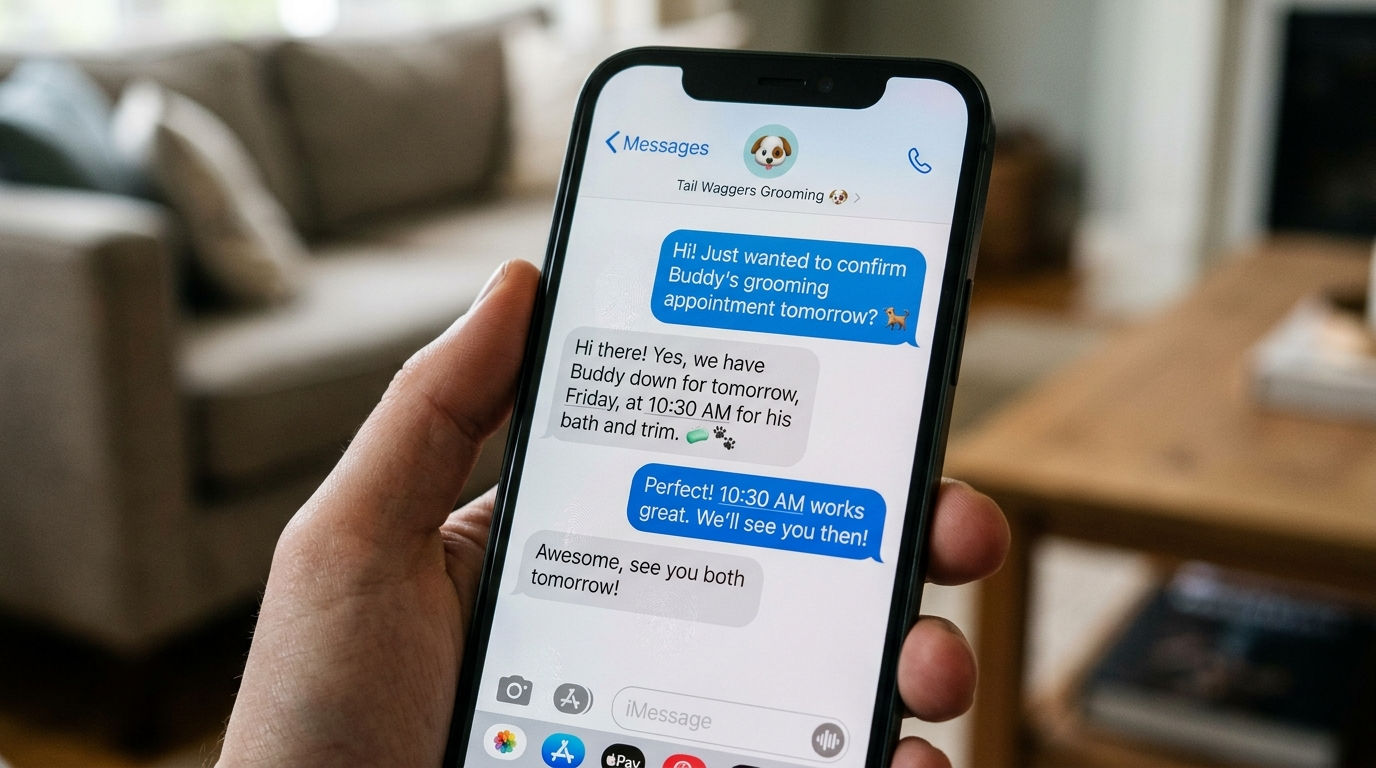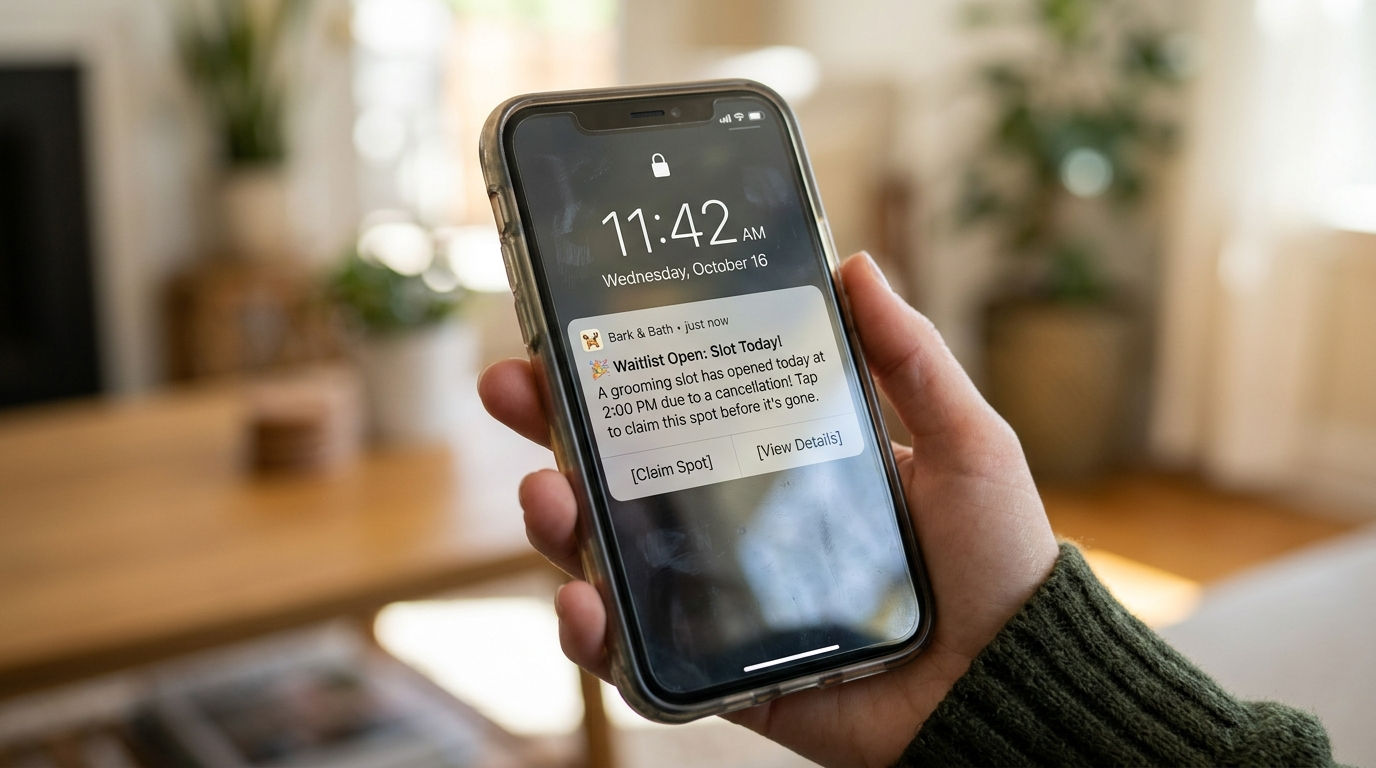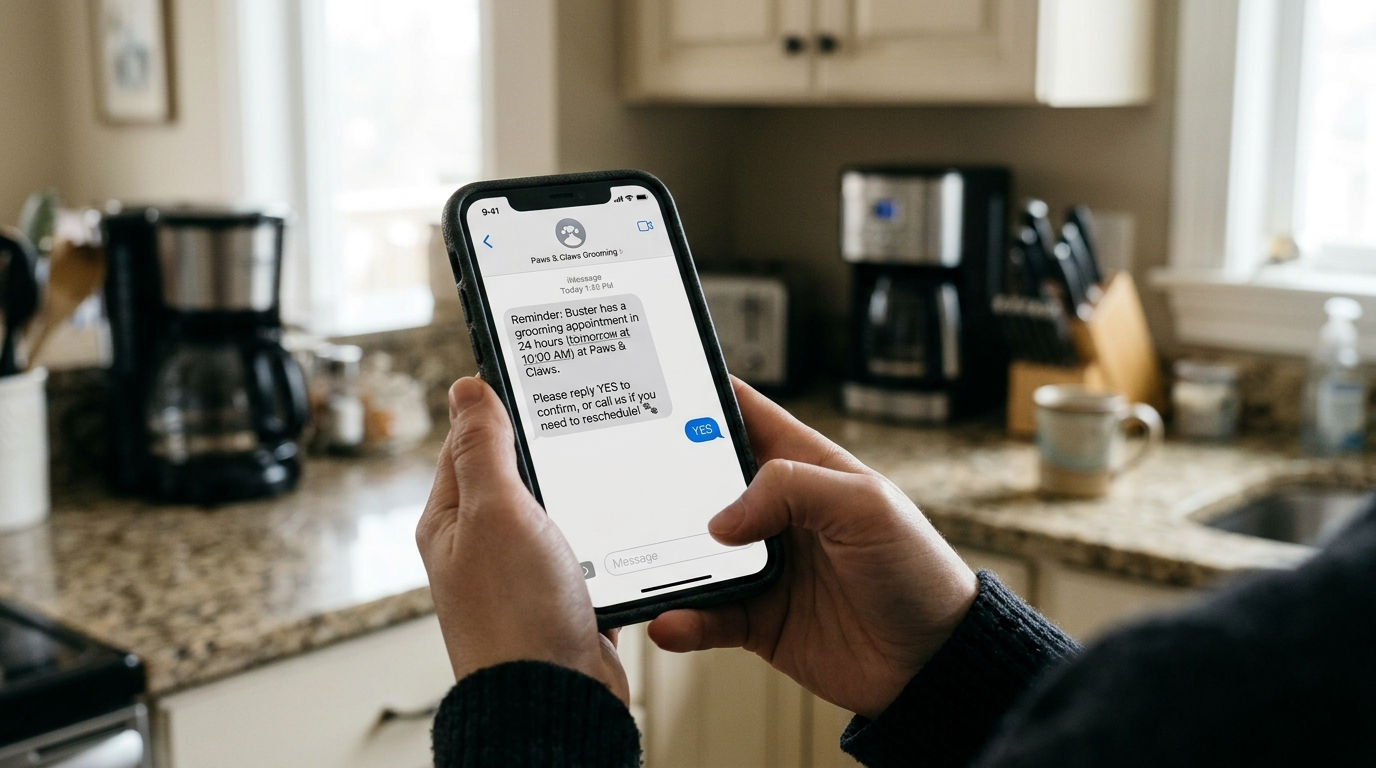
Text messages are convenient for quick reference; emails are often better for fuller instructions and a lasting record. Using both can help a salon communicate clearly, but it can also mean two versions of the same appointment circulating after a change.
The essential rule is that both channels draw from one confirmed booking record and say the same thing about the visit.
Decide what belongs in each channel
A brief text can carry the date, time and action link, while email may hold directions, policy information and practical preparation details. Keep core facts consistent, then use each channel for the information it communicates most clearly.
Do not make one channel the only source of a vital condition that a client using the other channel never sees. A long cancellation policy is squeezed into several SMS segments even though the client could read it more comfortably in one email.
Use the same booking identifier
Messages should refer to the same appointment so that updates and replies do not create separate records. A matching date alone is not a dependable way to identify bookings in households with several dogs.
An owner confirms by email, then an SMS system creates a second booking because it does not recognise the existing appointment. Connect both channels to one reservation ID and test that changes update every scheduled notification.
Replies across channels require the discipline explained in two-way text confirmations for grooming appointments.
Make status unmistakable
A booking request, provisional slot and confirmed appointment are different states, regardless of how elegantly the message is written. A client receives “we have your enquiry” by email but a cheerful “see you tomorrow” text from a separate automation.
Use unambiguous labels and generate final confirmations only after the calendar and any required approval process agree. Conflicting statuses are more damaging than sending only one message, because they make the client uncertain who to trust.
It is also worth checking the first booking message on a device set to larger text. The status, date and action route should remain easy to identify without expanding hidden panels. A confirmation that is simple to read is less likely to create a second phone call just to establish what the client actually agreed.
Respect the client's contact choices
A customer supplies an email for receipts but prefers appointment alerts by text only. Not everyone wants notifications on every channel, and some addresses or numbers are shared among family members.
Operational contact does not grant permission for unrelated promotional email or SMS sequences. Let clients choose appropriate operational channels where practical, verify contact details and maintain separate marketing preferences.
Check dates and time zones thoroughly
Write the day of the week and a clear calendar date, use local time and test summer/winter clock changes. Formatting matters because an abbreviated date may be read differently and daylight-saving changes can affect automated systems.
“04/05” is interpreted as May fourth by one system and April fifth by another reader. A technically valid timestamp is not a clear customer-facing appointment time if it omits the relevant local context.
Handle delivery failures sensibly
Messages may bounce, land in spam or fail due to a changed number; sending through two channels is not proof both were received. Monitor actionable failures, verify records at the next appropriate contact and provide a simple way to correct outdated details.
Repeatedly resending a failed message without checking the cause can become intrusive. A text provider reports non-delivery but the booking remains confirmed and the groomer assumes the customer saw a reminder.
Create one change sequence
When a client reschedules, the old confirmation should not remain the apparent source of truth. New messages must explain what changed. Do not overwhelm the client with separate cancellation, welcome and promotional sequences for one ordinary adjustment.
Two emails show different times and an SMS reminder still points to the earlier date, leading to the wrong arrival. Mark the previous booking as changed, issue a single clear replacement confirmation and cancel stale notification jobs.
Keep a useful communication history
The record should show what was sent and any relevant replies without retaining unnecessary content forever. A disagreement arises about whether a customer was informed of a deposit rule before booking.
Preserve appropriate transactional evidence, make it accessible to authorised staff and define retention according to actual obligations. Detailed tracking or indefinite storage should not be presented as essential if the business has no genuine use for it.
Use one booking record for both channels
Sending an email and a text is easy; keeping them consistent is the hard part. Both messages should be created from the same confirmed appointment record rather than drafted separately. That record needs the dog's name, service, date, local time and location, plus any specific condition such as a deposit still pending. When a booking is changed, both channels must reflect the new state. A calendar entry is not a reliable source of truth if staff routinely change appointments by sending messages but never update it.
There is no need for every channel to carry identical amounts of text. Email can provide a fuller itinerary, preparation information and policy links, while SMS can carry a concise confirmation with the essential details. The core facts, however, must match exactly. If an owner checks the message thread on the morning of the visit, it should not contradict an earlier email. Decide which channel is the primary record of communication and how changes will be logged.
Separate the stages of a booking
“Thanks for your enquiry” is not the same as “your appointment is confirmed.” A booking may pass through a request, an offered slot, a pending deposit and a final reservation. Write messages for the states the software actually supports and prevent an event from triggering the wrong one. In particular, a payment link being sent does not mean payment has succeeded, and a proposed time does not mean the groomer has approved the service duration. A client should never have to infer those distinctions from a small change in wording.
Test the failure scenarios as carefully as the success case. What if the diary saves the booking but the email provider is temporarily unavailable? What if the text goes out but the client entered an incorrect number? The system must not recreate appointments simply to retry a notification. Give staff a way to resend the correct confirmation after checking the record, and avoid exposing client information to another recipient because of a typing error.
Make corrections unmistakable
When a client moves an appointment, the new message should say clearly that it replaces the former date. It is helpful to identify the changed field rather than sending a generic new confirmation that looks like an additional booking. Where the cancellation policy or deposit changes, explain the actual consequence. Do not silently keep an old automated reminder queued after the reschedule; it may undo all the clarity of the new message.
For households with several dogs, label the relevant animal and appointment. For services arranged at different times, a single household email can give an overview, but each time must remain clear. Confirm the appropriate arrival and collection instructions instead of assuming every pet has the same schedule.
Give clients a useful route back to the salon
Confirmation messages should include a monitored way to ask questions or request corrections. Avoid “no-reply” messaging when an owner may discover an error in the date or service. If an automated reply is not monitored, say so and provide a real contact route. A well-designed confirmation is not marketing copy. It is a trustworthy record of what has been agreed, presented in a form the owner can understand and find later.
An example of one appointment, two useful messages
An email confirmation might include the full address, service description, date and local time, relevant preparation details and a link to the salon's cancellation terms. The accompanying text can be shorter: “Luna's full groom is confirmed for Thursday at 9:30 am at [salon name]. Questions or changes? Reply here.” Both should be generated from the same calendar state. If the booking is only provisional, both must say so instead. Different levels of detail are fine; contradictory facts are not.
Now imagine the owner reschedules through an online link. The system should cancel queued reminders for the original day and send a message identifying the revised appointment. If email delivery fails, the groomer should still see the accurate diary entry and have a safe way to resend the confirmation. A notification service that can create duplicate appointments on retry is not reliable. Test the system's failure recovery as carefully as its normal successful messages, particularly when payment is attached.
Prevent accidental duplicate instructions
If a customer receives an updated confirmation by email and an older text remains in the same thread, they may look at the wrong date. Mark revised messages clearly, cancel obsolete queued notifications and keep one authoritative booking state. When the message includes a link, use the salon’s own current appointment page rather than a stale document. The best confirmation system is one where a client can identify the latest agreement without contacting the groomer to ask.
Check consistency across both channels
- Send one test booking through email and SMS, then compare the dog, service, date, place and status.
- Change the appointment once and verify both channels use the same updated record.
- Avoid adding promotional copy to a purely operational confirmation.
Official background reading for Sending Booking Confirmations Across Text and Email
One appointment, consistent messages
SMS and email work best as two views of one reliable appointment. Confirm once, make the facts easy to scan and let each channel handle the detail it suits. Consistency matters more than communication volume.