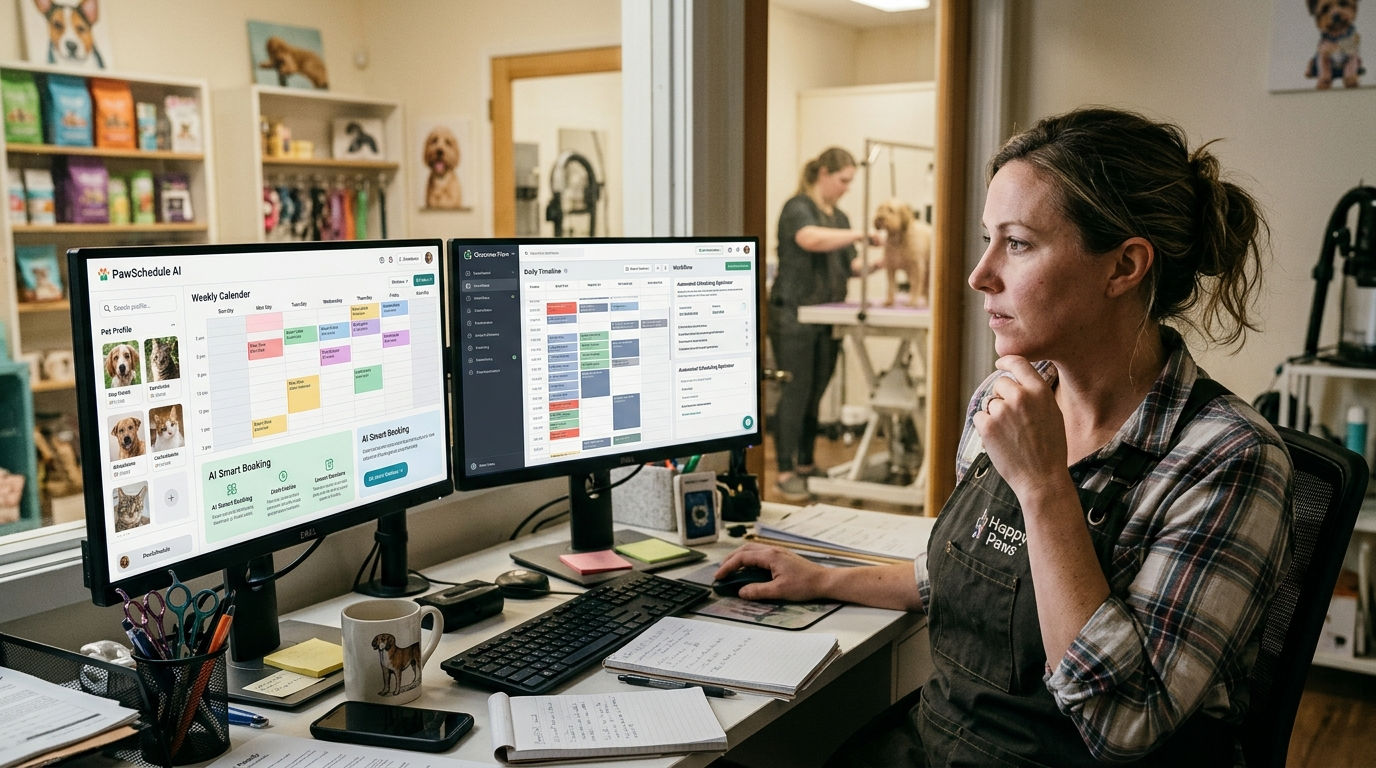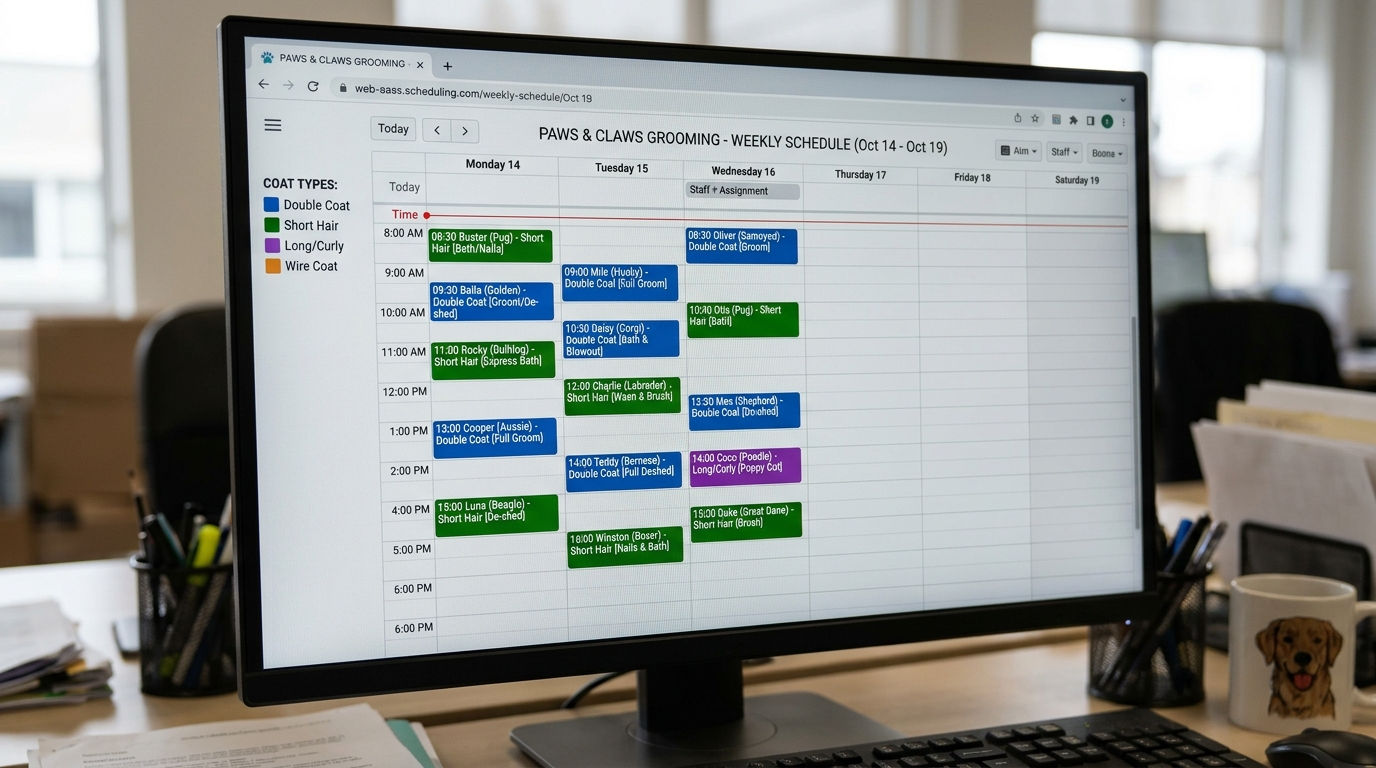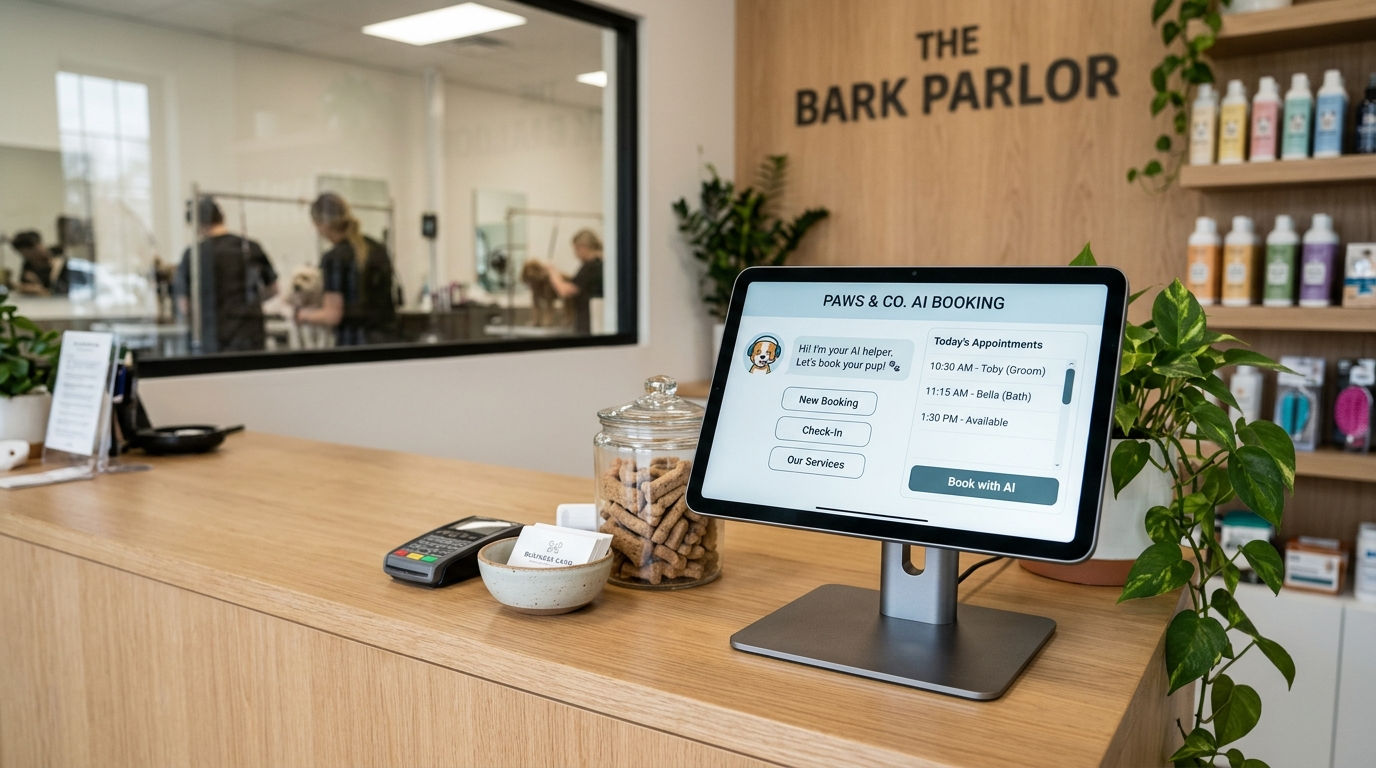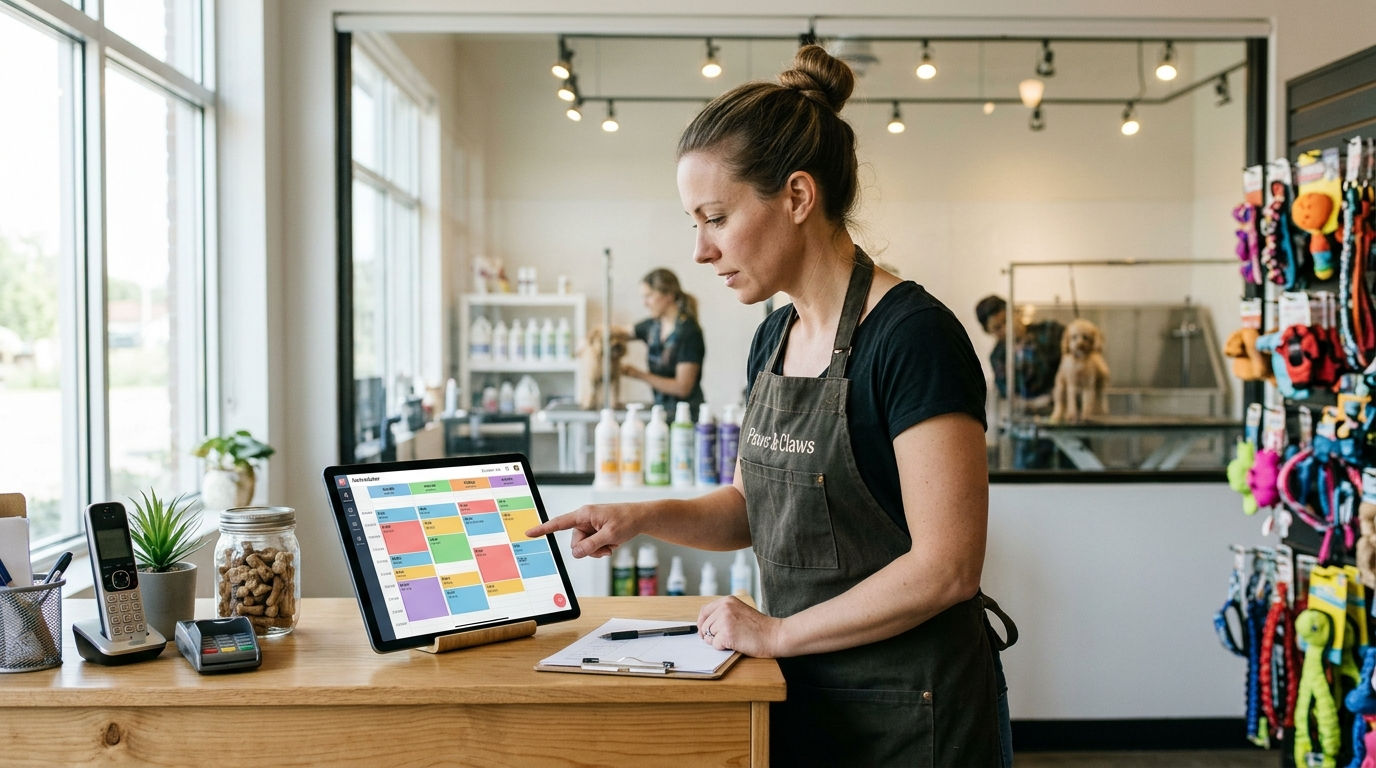
Double bookings usually result from systems that disagree about what is available. A phone appointment is written on paper, a web booking is accepted in software and a calendar sync arrives several minutes later. Each individual step can look reasonable while the combined result is impossible to deliver.
Prevention starts with one authoritative diary and consistent rules for who or what may reserve time.
Identify every place an appointment can originate
Phone, social messages, walk-ins, web forms and repeat bookings may all create commitments; list them before relying on automated availability. An informal side diary is particularly dangerous when more than one person can make bookings.
An appointment accepted in Instagram messages is never entered in the online booking system, which then offers the same slot publicly. Choose a single authoritative calendar and require every confirmed appointment to reach it promptly regardless of the conversation channel.
This question belongs in any trial of booking software for a solo dog grooming business.
Model resources, not just start times
Two services may overlap in a shared bath or drying area even when their named staff appear free. Two groomers are available at noon, but both would need the only hydraulic table for large dogs.
Where software supports it, configure staff, rooms and equipment as resources with clear capacity limits. A system that prevents staff overlap can still allow a clash that makes the physical salon impossible to run.
Make duration rules consistent
A short bath is booked directly after a large de-shed with no time to clean or prepare the next station. A twenty-minute nail visit and a two-hour groom should occupy different amounts of the calendar; their setup or transition requirements may differ too.
If each booking channel uses different durations, conflict checks can produce false confidence. Set service-specific defaults, add buffers and provide a deliberate path for manual overrides when an individual dog needs longer.
Test simultaneous requests
Use scheduling software that rechecks and commits reservations atomically, and test with two browsers rather than assuming the feature works. The final available slot is a common source of double booking when systems only check availability before the person confirms.
Two customers reach the payment stage on different phones at the same time and both expect the same Friday afternoon slot. A successful payment must not be mistaken for a successful diary reservation unless the two systems reconcile accurately.
Understand calendar-sync delays
One-way feeds and periodic synchronisation are not equivalent to a shared live booking source. Find out how each integration reads and writes events, what happens offline and how conflicts are resolved.
A sync badge that says “connected” does not demonstrate immediate, reliable two-way protection. A personal calendar block entered at 9:10 does not appear in the salon system until 9:25, while clients can still choose that time.
Handle reschedules as one operation
Changing an appointment may temporarily create two events if the new slot is saved before the previous one is released. Deleting the original before confirming the replacement can leave the customer with no appointment at all.
A customer moves from Wednesday to Thursday but receives two reminders because the old booking remained active. Use a linked rescheduling action that updates the existing record and verifies the old time is freed only when appropriate.
Use provisional states deliberately
A request, a temporary hold, a deposit-pending appointment and a confirmed booking need different visibility in the diary. A first-time dog requires coat assessment, yet an enquiry form displays its requested time as definitely booked.
Define how long a hold lasts, who can approve it and which states block the slot for other customers. Indefinite provisional bookings reduce capacity, while invisible requests increase conflict risk.
Audit the edge cases regularly
A groomer adds holiday leave in a personal app but forgets to block the corresponding appointment capacity. Most days may run smoothly until a phone booking, closure change or staff absence exposes a weakness in the process.
When a collision occurs, fix the workflow that allowed it rather than relying on everyone to remember a new exception. Inspect the next week's schedule across booking channels and compare a sample of messages with final confirmed records.
Find every place an appointment can enter the diary
Double bookings often begin when the salon treats several sources of availability as equally reliable. A client books online, another sends a message, and the groomer promises a slot over the phone without updating the central calendar. List each entry point: website, phone, walk-in, social messaging, repeat-booking requests and any assistant that can create appointments. Choose one authoritative diary and set a simple rule that every confirmed booking must be recorded there immediately. A message thread is evidence of a request, but it is not a reliable substitute for the appointment record.
Be careful with calendars that only synchronise occasionally. An imported calendar may display a time as free even though a new appointment has just been made elsewhere. If a tool cannot perform a reliable live availability check and atomic reservation, restrict it to collecting requests for human confirmation. Marketing language about “syncing calendars” does not prove that simultaneous requests are safe. Test the actual sequence with two browsers, two users and one remaining slot.
Model capacity rather than just start times
A two-hour full groom starting at ten blocks different resources from a fifteen-minute nail trim at the same time. If you have one groomer, those services cannot overlap simply because they have different names. If several employees share a bath, table or dryer, the resource may be the limiting factor. Set up durations, turnaround buffers and resource assignments so the diary understands what is being occupied. Do not rely on staff remembering that a visually empty square belongs to someone else's equipment booking.
Consider partial overlaps. A long grooming session might run from ten until noon, while a new request proposes eleven-thirty. The system should test the entire interval, including buffers, rather than only the start time. For bookings involving two dogs, verify whether the work is sequential or genuinely concurrent. If the software has no suitable resource model, a clear manual approval step is safer than pretending the calendar can enforce a rule it cannot represent.
Design the error response before it happens
When the last Saturday slot disappears between selection and checkout, a client should receive a straightforward explanation and a fresh choice. They should not get a payment receipt for an appointment that failed to save. Record payment and reservation states separately and ensure a failed write does not produce a confirmation. Equally, if the diary saves successfully but the outgoing email fails, the system must not retry the entire booking and create a duplicate. The error-handling logic should distinguish communication problems from calendar problems.
Give the groomer a way to resolve conflicts without losing the history. It should be possible to see when each appointment was created, which channel created it and what the client was told. Keep a reasonable audit trail without storing unrelated personal conversation. Where a mistake has already reached customers, human communication matters: identify the affected bookings, apologise for the actual conflict and offer realistic alternatives rather than silently deleting the later entry.
Make prevention part of the working routine
At the beginning or end of the day, review provisional requests, unconfirmed deposits and appointments that were moved manually. Check that staff absence and equipment maintenance are blocked before the next day's online availability is published. Re-test conflicts after integrating a new chatbot, payment link or scheduling tool. Most double bookings are not mysterious technical events; they arise when the business has more than one definition of “confirmed.” Make that definition consistent everywhere.
Do a two-device collision test
Place one test appointment into the diary from a phone while another browser is already showing the same free time. Try to confirm both. A reliable system must reject one request or refresh the available choice, not quietly save two overlapping entries. Repeat with appointments of different lengths, with a buffer, and with a staff member manually editing the schedule. A connection that passes only the simplest same-duration case may still fail in ordinary salon conditions.
After the test, inspect every notification. The rejected booking should not receive a confirmation or payment receipt implying success. The successful one should not be entered twice because an email failed and the integration retried. Look for an audit record of each action so a groomer can explain the outcome without guessing. If the software cannot demonstrate these basics, keep automated channels at the enquiry stage until a dependable reservation mechanism is available.
Test manual overrides carefully
Some systems protect online bookings but allow a staff member to place an appointment directly over a blocked period. If manual overrides exist, make the warning clear and restrict them to authorised people. Record why the exception was made so the next person reviewing the diary understands it. A conflict check is useful only when the real-world routes into the calendar respect it; otherwise, the business still relies on memory and luck.
Try two concurrent bookings
- Open the booking calendar in two separate sessions and request the same remaining slot.
- Include staff, bath space and equipment constraints as well as start and finish times.
- Check that a declined payment or abandoned checkout releases its temporary hold.
Official background reading for Preventing Double Bookings Across Grooming Services
One calendar, one dependable answer
Double-booking prevention is a systems problem. Choose one calendar of record, model real capacity and test simultaneous changes. When a conflict does occur, clear client communication matters, but prevention means closing the gap between how a booking is promised and how time is reserved.